The wiki currently covers the areas shown in the screenshots: Stump, Computer, Forest, Shop, Beach, and the four Horror levels.
Stump
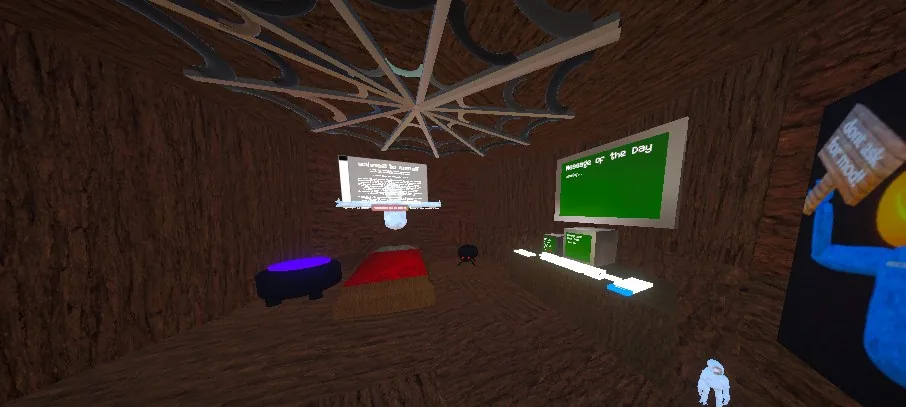
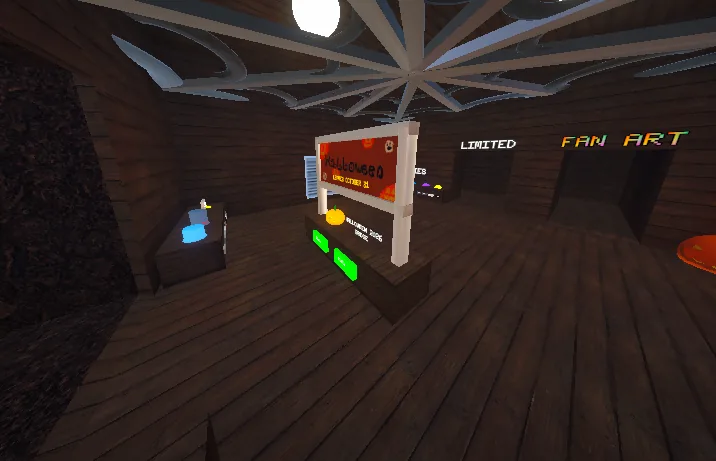
The wooden room featuring the computer and several in-game displays.
Overview
Stump is a wood-textured indoor area with a distinctive overhead structure. A computer sits on a counter along one wall, with green-screen displays nearby.
What can you find here?
Computer: A place to interact with settings and menu options.
Message of the Day: A green board displaying in-game messages.
Other displays: Signs and objects around the room.
Related pageFor details about the keyboard and its buttons, see the Computer page.
Computer
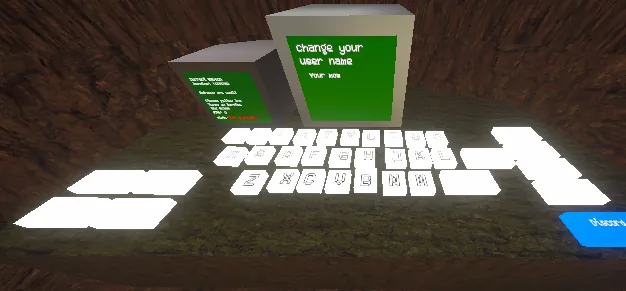
The in-game computer has a keyboard and menu buttons for several player options.
Overview
The computer is located inside Stump. It includes a green display, a keyboard, and nearby labeled controls.
Computer options
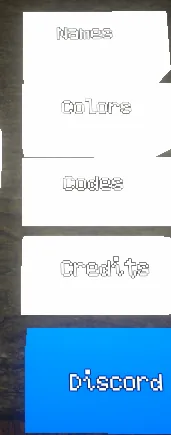
Names
The name-related menu. The screenshot shows a screen labeled “Change your user name.”
Colors
A menu labeled Colors.
Codes
A menu labeled Codes.
Credits
A menu labeled Credits.
Discord
A blue button labeled Discord.
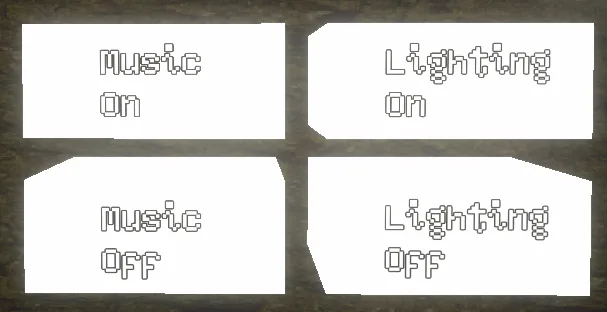
Music On / Off
Buttons labeled Music On and Music Off.
Lighting On / Off
Buttons labeled Lighting On and Lighting Off.
Gallery
Music and lighting buttonsNames, Colors, Codes, Credits, and Discord
NoteThe menu labels and layout are based on the supplied game screenshots. Exact effects of each setting may depend on the game version.
Forest
An outdoor map with trees, raised walkways, and colorful structures.
Overview
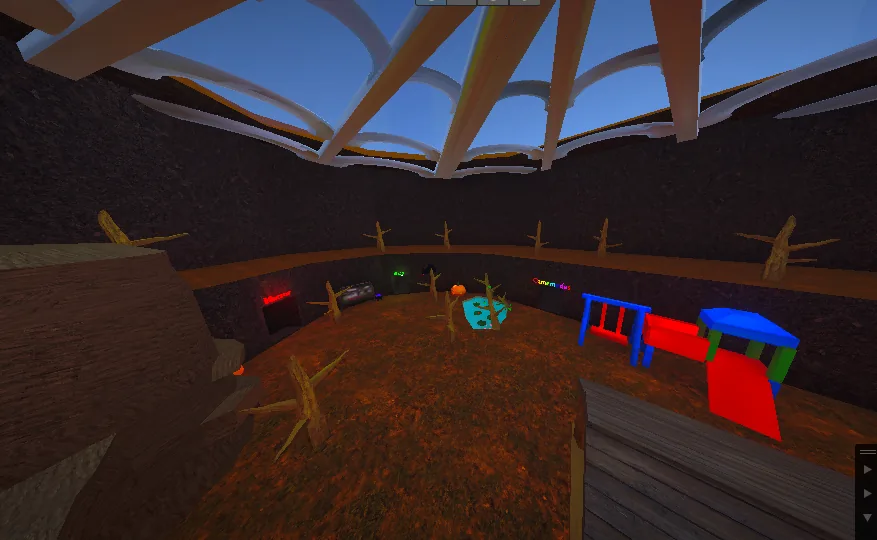
The Forest is a large open area surrounded by tall rocky walls. Wooden platforms and walkways run along the sides, while the lower level has trees, signs, and play structures.
Landmarks
Wooden platforms and paths around the map.
Leafless trees scattered across the ground and raised areas.
Colorful playground-style structures and a slide.
Open space for moving around and exploring.
Getting around
Baboon! uses arm-based VR locomotion. Move through the environment by swinging your arms and using momentum.
Forest Pond
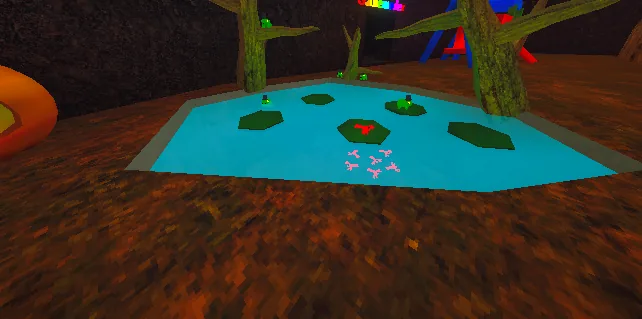
The Forest has a bright blue pond surrounded by trees and brown terrain. Several lily pads float in the water, with green frogs sitting on some of them and red lobsters visible in the pond.
Playground
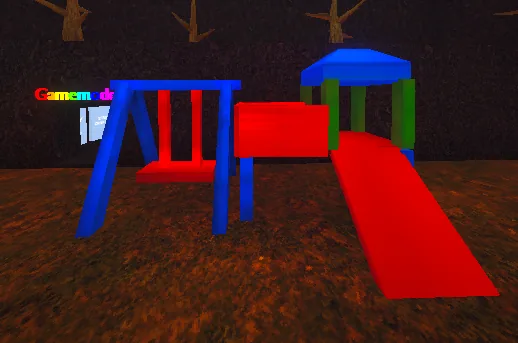
A colorful playground is another landmark in Forest. It has a blue swing frame with a red seat and a play structure with a blue roof, green posts, a red tunnel, and a red slide.
Forest Gallery
Pond with lily pads, frogs, and lobstersSwings and play structure
Shop
A place to browse cosmetics and other items in Baboon!.
Overview
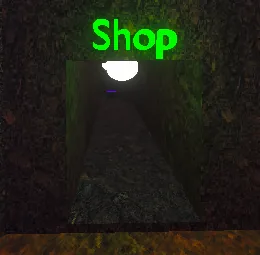
The Shop is reached through a passage marked by a bright green Shop sign. Inside is a wooden room with displays, counters, and different sections for cosmetics.
Shop entrance
Follow the corridor underneath the green Shop sign to enter the shopping area.
Items and sections
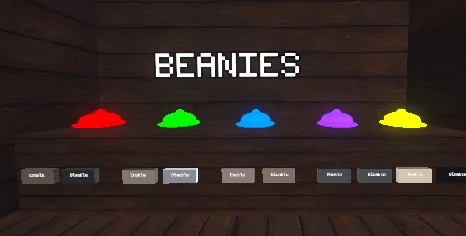
Various items are displayed on shelves and counters. The screenshots show hats, accessories, and a BEANIES display with colorful options. Signs for LIMITED and FAN ART are also visible inside the Shop.
Accessories and cosmeticsBeanies display
NoteAvailable cosmetics and shop selections may change between game versions.
Beach
A colorful beach-themed area with water, umbrellas, and slides.
Overview
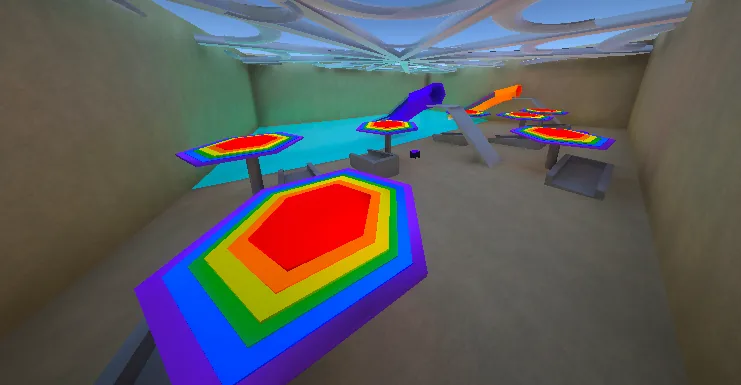
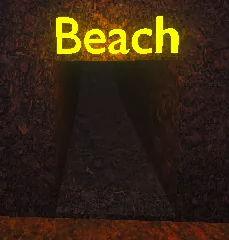
The Beach is reached through a rocky tunnel marked by a bright yellow Beach sign. Inside, a sandy area sits alongside blue water, with colorful rainbow umbrellas and slides.
What can you find here?
Rainbow umbrellas: Brightly colored umbrellas set over seating areas.
Slides: Colorful slides near the water.
Water: A blue pool-like area along one side of the map.
Beach entrance: A tunnel labeled Beach in glowing yellow letters.
Gallery
Beach entranceBeach interior
Horror (Level 1)
The first level of Horror, featuring dark corridors, Greg the monster, and a keycard needed to reach Level 2.
Overview
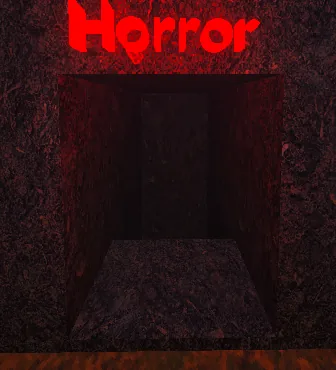
Horror (Level 1) is accessed through the entrance marked by a large red Horror sign. Inside are dimly lit, rocky corridors where players can encounter Greg.
Greg
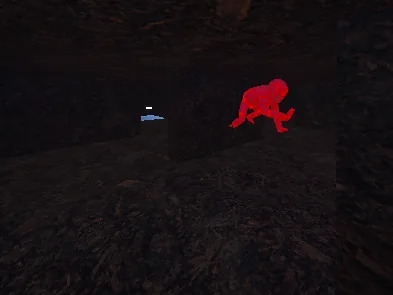
Greg is the red monster seen inside Horror Level 1. Watch out for Greg while exploring the tunnels.
Keycard
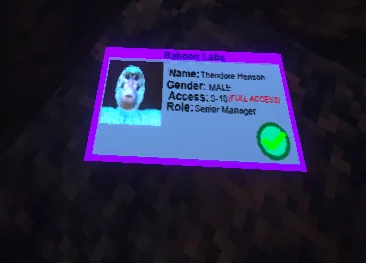
The ID card shown below is a keycard. It is required to get to Horror Level 2.
Level progressionFind the keycard in Level 1 to access Level 2.
Horror (Level 2)
The second Horror level features dark industrial corridors, a safe zone, escaped monsters, and a VHS tape required to progress.
Overview
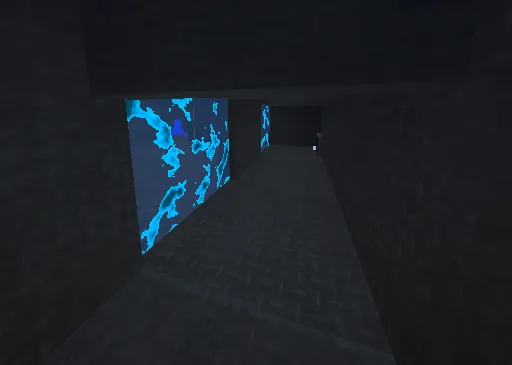
Horror Level 2 is a dimly lit area with dark metal floors and walls. Watch for the yellow and blue monsters that escaped from a damaged glass container.
Safe zone
The unique glowing blue walls mark the safe zone. Look for these walls when you need a safe area.
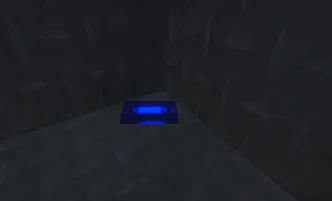
Blue VHS Tape
Find the blue VHS tape in Level 2. It is required to access Horror Level 3.
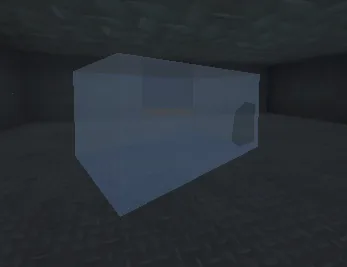
Broken glass container
The broken glass container is where the yellow and blue monsters escaped from.
Gallery
Blue VHS tape — required for Level 3Broken container — escape point of the yellow and blue monsters
ProgressionUse the keycard from Horror (Level 1) to reach Level 2. Find the blue VHS tape here to unlock the way to Level 3.
Horror (Level 3)
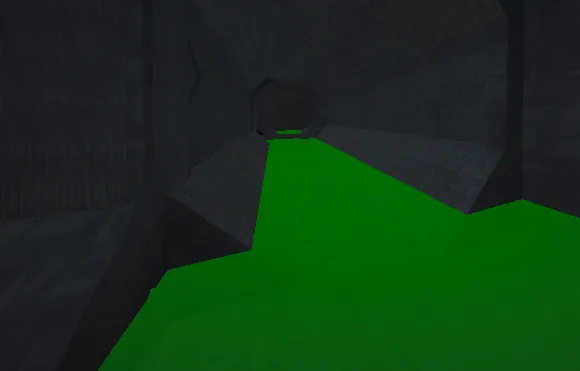
Level 3 takes place in the sewers, with dark tunnels and bright green liquid running through the passages.
Overview
The third Horror level has a darker sewer environment. The screenshot shows a metal-lined tunnel and a channel of glowing green liquid flowing toward a round opening.
What you can see
Sewer tunnels: Narrow industrial passages with dark walls.
Green liquid: A bright green channel running through the area.
Round passage: A circular tunnel opening farther ahead.
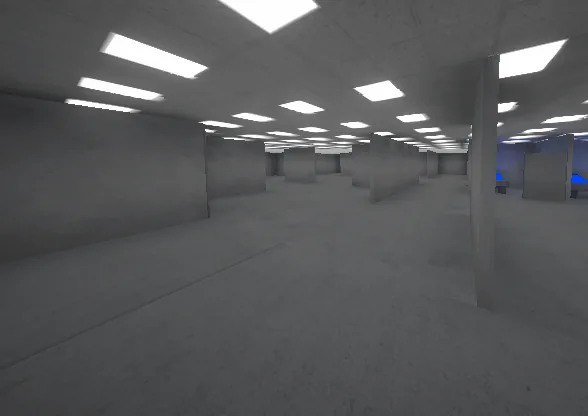
Level 4 is a laboratory with bright overhead lights, gray rooms, and a red creature shown in one of the chambers.
Overview
Unlike the dark sewers of Level 3, Level 4 is a brightly lit lab. The area contains rows of ceiling lights, gray walls and partitions, and laboratory equipment or structures.
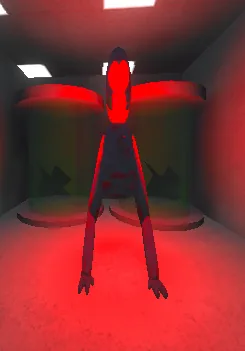
Lab creature
One screenshot shows a tall red creature standing in a red-lit room in front of large cylindrical containers. Its name and behavior have not yet been confirmed.
Laboratory interiorRed creature in the lab
Related pageRead about the sewer environment in Horror (Level 3).